


Field Service Invoicing Software That Automatically Bills Completed Work
FIELDBOSS Invoicing is a field service billing module built on Microsoft Dynamics 365 Business Central for office and accounting teams that generates invoices directly from completed Work Orders, maintenance contracts, and projects, then sends them straight into Business Central without re-entering job data by hand.






























Invoice Automation for Every Job, Contract, and Project
FIELDBOSS turns completed work into an accurate invoice in Business Central, whether that’s a single job, a recurring maintenance contract, or milestone billing on a multi-phase project — with corrections handled through credit and reversal instead of manual edits.
Automatically Bill from Completed Work
Invoice automation generates invoices directly from the labor, materials, and expenses recorded on a Work Order, so nothing gets billed from memory or a spreadsheet.
Invoices pull straight from the job record, keeping what’s billed tied to what was actually done and cutting out the back-and-forth between the field and the office.
- Generated directly from Work Order data
- No manual re-entry
- Templates with job, building, device, and labor detail
Recurring Invoices That Run on Autopilot
Maintenance invoices generate automatically from each contract’s billing schedule and submit straight to Business Central when a job doesn’t need office review.
That removes manual batching from the process, while leaving Submit to ERP as a manual option for contracts that need review.
- Generated from the Maintenance Contract’s billing schedule
- Automatic submission when review isn’t required
- Manual Submit to ERP for review cases
- Automatic $0 maintenance line handling
Bill as the Job Progresses
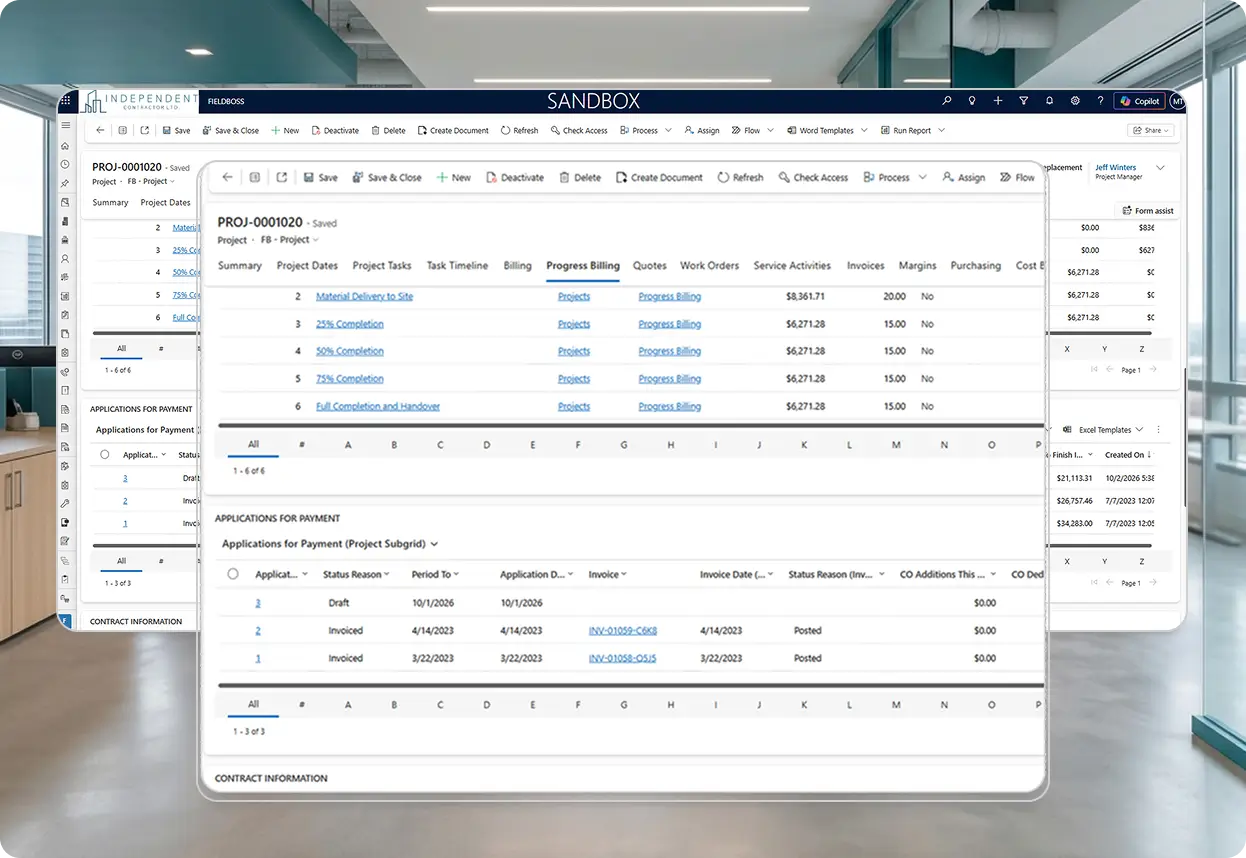
FIELDBOSS supports progress and milestone billing, creating invoices throughout a project as the completed work and billing structure call for it.
That keeps cash flowing on multi-phase jobs instead of holding the full invoice until the project closes out.
- Invoices against milestones or applications
- Tied to the project’s own schedule, not a lump sum
- Linked to the source Work Order and project
- Automatic reversing credit on canceled applications
Fix an Invoice Without Losing the Trail
Invoice corrections run through a credit and reversal process, so a mistake gets fixed without erasing the original transaction.
A dedicated Credit Note invoice type keeps credit-related invoices easy to identify and report on, both in FIELDBOSS and in Business Central.
- Credit and reversal, not manual deletion
- Dedicated Credit Note invoice type
- Full transaction history preserved
Multiple Deposits, One Job, No Manual Cleanup
Deposit invoicing clears each deposit automatically once it’s created, making it straightforward to collect more than one deposit against the same Work Order.
Deposit invoices are named consistently, so accounting can identify them at a glance instead of tracking down which deposit belongs to which job.
- Automatic deposit clearing
- Multiple deposits per Work Order
- Consistent deposit invoice naming
Invoicing Built Around How Your Trade Bills
Elevator, HVAC, and specialty contractors don’t bill the same way. FIELDBOSS invoicing follows each trade’s own billing pattern instead of forcing every job through one generic invoice.
Elevator contractors bill recurring maintenance contracts alongside one-off repairs and modernization work, and FIELDBOSS’s contractor invoicing software keeps both billing schedules running without manual tracking. Maintenance invoices generate on schedule while repair and modernization work bills from the completed Work Order, so nothing slips through at month-end.
HVAC billing swings between planned maintenance agreements and emergency service calls that spike with the season. FIELDBOSS invoices both the same way, pulled straight from completed work, whether it’s a scheduled tune-up or an after-hours repair.
Specialty and multi-trade contractors often bill by project milestone rather than by the job. FIELDBOSS’s progress billing follows the project’s own structure, so invoices go out as work completes instead of waiting for the whole job to close.

“Billing Automation is probably the biggest time saver for us. The ability to see a clearer picture of job costing and where we are profitable will allow us to make the changes we need to be successful.”
Explore Related Features


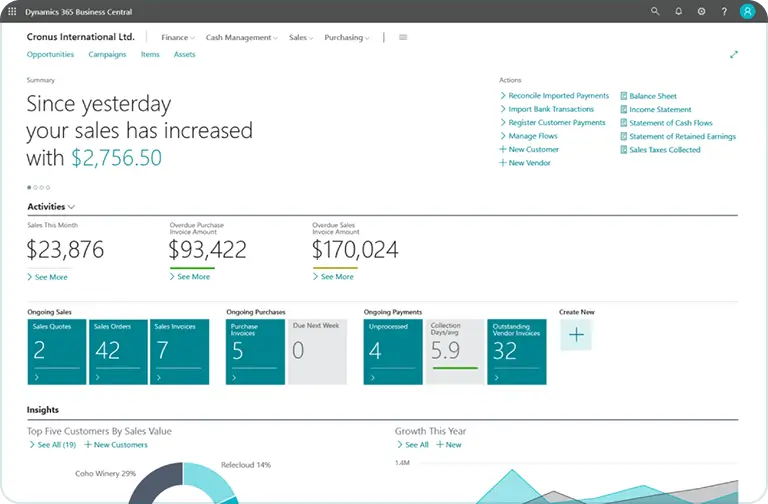
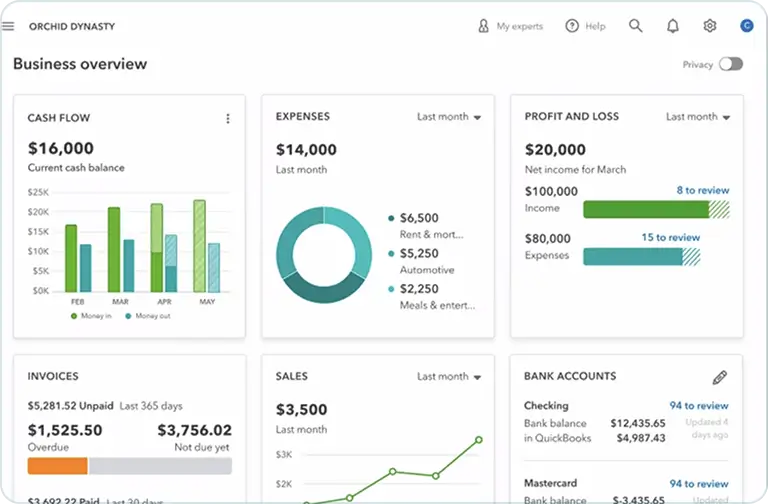
Works With Your Existing Tools
Frequently Asked Question
Corrections run through a credit and reversal process rather than a manual delete, so the original transaction and the correction both stay on record between FIELDBOSS and Business Central.
Yes. Maintenance invoices follow the billing schedule set up on the Maintenance Contract and submit straight to Business Central when a job doesn’t need review, or route to manual Submit to ERP when it does.
Yes. Invoices can go out throughout a project as milestones or applications are completed, instead of waiting until the entire job wraps.
Yes. Every invoice can be reviewed in FIELDBOSS first, and maintenance invoices can be set to submit automatically or held for manual review, whichever a given contract calls for.
Yes. Invoice Automation includes billing automation for email delivery, so completed invoices go out to customers without office staff generating and sending them one by one.
Ready to Simplify Your Invoicing?
See how FIELDBOSS turns completed work into an accurate invoice — a focused, 30-minute walkthrough, no generic slideshow.

What is Invoice Automation?
Invoice Automation is FIELDBOSS’s Power Automate–driven process for generating invoices from completed work without manual entry.
It pulls labor, materials, and expenses from a Work Order, or a billing schedule from a Maintenance Contract, builds the invoice document, and sends it to Business Central, cutting out the manual step of re-keying job data into an invoice.
What is a Credit Note?
A Credit Note is a dedicated invoice type FIELDBOSS uses to track credit and reversal transactions separately from standard billing.
It keeps corrections identifiable in reporting and in Business Central, so a credited invoice doesn’t get mistaken for a new charge.
What Is Field Service Invoicing Software?
Field service invoicing software turns completed job records into accurate customer invoices without re-entering data by hand.
It connects the work performed in the field, whether a single service call or a recurring maintenance visit, to the billing and accounting process, so what’s invoiced always matches what was actually done. Platforms like FIELDBOSS build this directly into the ERP itself, Microsoft Dynamics 365 Business Central, so invoicing, job costing, and financial reporting all run on the same data instead of syncing between separate systems.