


Field Service Scheduling Software Built on Dynamics 365
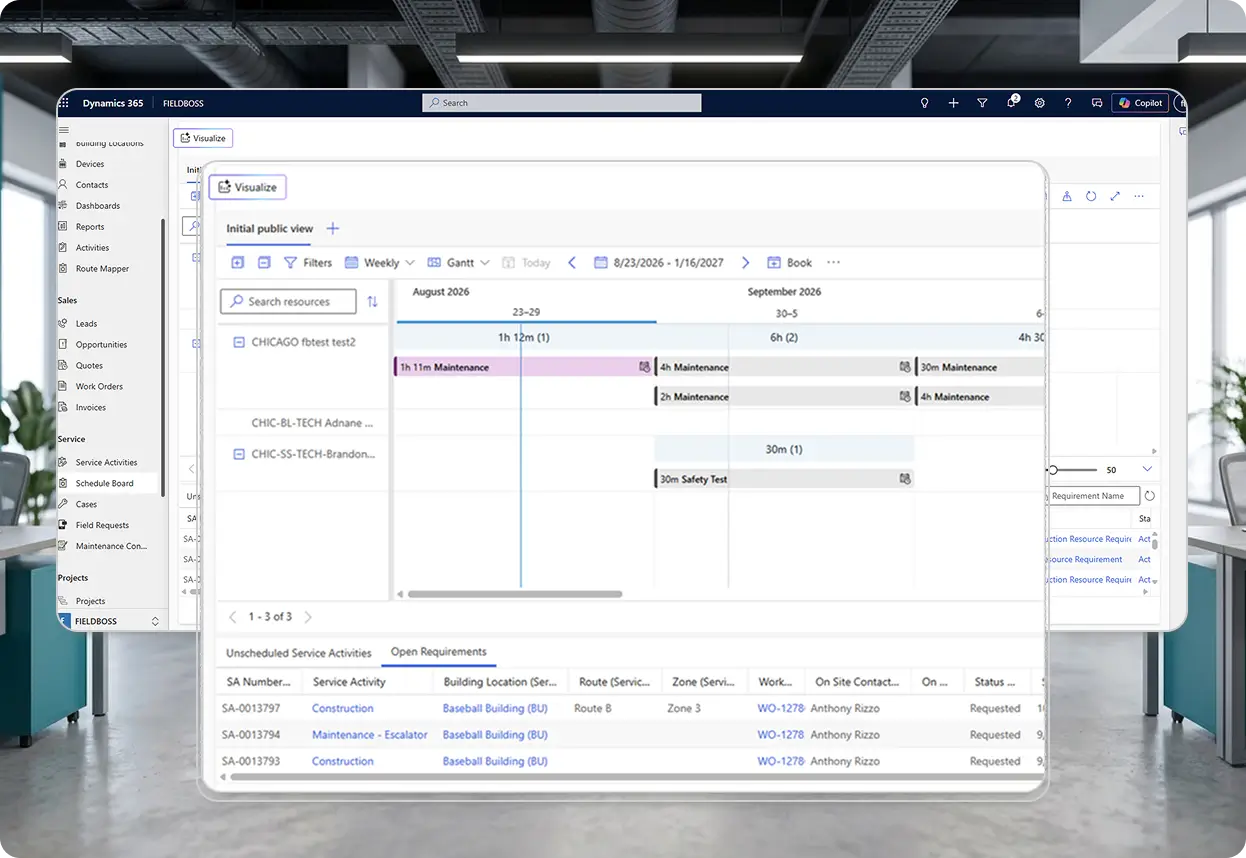
FIELDBOSS Scheduling is a field service scheduling and dispatch module built on Microsoft Dynamics 365 for dispatchers, service coordinators, and office staff that assigns technicians to service calls and maintenance visits, tracks job status on a visual Schedule Board, and lets teams drag and drop jobs to reassign work as priorities change.




























How FIELDBOSS Scheduling Works
FIELDBOSS gives dispatchers real-time visibility, flexible work-type handling, and one-click booking — all inside Dynamics 365.
Assign the Right Technician, Fast
FIELDBOSS’s field service dispatch software lets dispatchers assign a technician to a job in one click, cutting scheduling down to a single screen.
Service Activities can be created directly from a Building Location or Work Order — with or without a technician attached — so dispatchers can lock in the job first and assign a resource the moment one is available. Before sending a truck, dispatchers see Credit Hold and Dispatch Hold status, the location’s last service call, and each technician’s current schedule, all in one place. Business Unit filtering keeps dispatchers assigning only technicians they’re permitted to schedule, reducing errors across multi-branch and multi-entity operations.
- One-screen dispatch, with or without a technician attached up front
- Credit Hold and Dispatch Hold visibility before sending a technician
- Last-service-call visibility to catch duplicate calls before scheduling
- Business Unit filtering for multi-branch and multi-entity accuracy
See Every Technician's Route on One Map
FIELDBOSS’s Route Mapper shows every technician’s route on one map, so dispatchers assess coverage without leaving the platform.
Jobs are plotted by primary technician, giving dispatchers a visual view of the day’s workload location by location instead of switching to a separate mapping tool or estimating drive times by hand. It’s a fast way to balance routes across a service area or catch a job outside a technician’s usual territory before it’s assigned.
- Building Locations mapped by primary technician from the Schedule Board
- Route and territory coverage visible in one view
- Out-of-territory jobs flagged before dispatch
Your Entire Team’s Schedule at a Glance
The Schedule Board puts every technician’s assigned work, availability, and job status on one screen.
Maintenance visits, service calls, and after-hours emergencies all show up on the same board, so dispatchers balance planned work against same-day priorities without switching screens. Jobs can be dragged to a new time or technician instantly, and Service Activities can be copied and rescheduled — including jobs that are done but not yet closed — in a single step. Cancelled Work Orders are locked from scheduling until reopened, protecting against accidental rework.
- Full team visibility: assignments, availability, job status
- Drag-and-drop rescheduling for instant priority changes
- One-step copy-and-reschedule, including done-but-not-closed jobs
- Cancelled Work Orders locked until reopened
Keep the Field Connected
Dispatched jobs reach technicians instantly, with updates syncing back to the office in real time.
When a technician is dispatched, FIELDBOSS can automatically send an SMS with job details, resending it any time the assignment changes — so the field has the latest information without a phone call. Reassigned jobs appear automatically in the technician’s FIELDBOSS Mobile App, and everything recorded on-site syncs back to the office in real time.
- Automatic SMS dispatch notifications, resent on any change
- Reassigned jobs auto-populate in the FIELDBOSS Mobile App
- Real-time field-to-office sync, no separate paper trail
Stay Ahead of Maintenance Due Dates
FIELDBOSS treats maintenance as its own work type, so recurring visits don’t get lost in reactive work.
Planned maintenance sits right alongside service calls and after-hours emergencies on the Schedule Board, keeping it visible against real technician availability. FIELDBOSS Processes let the office schedule or invoice every maintenance visit due within a selected date range in a single bulk action, instead of processing each one by hand — cutting repetitive data entry and reducing the risk of duplicate scheduling or invoicing.
- Maintenance tracked as a distinct work type on the Schedule Board
- Bulk-schedule or bulk-invoice all maintenance due in a date range
- Reduces duplicate scheduling and duplicate invoicing risk
Scheduling Software Tailored for Your Trade
FIELDBOSS scheduling isn’t generic. It’s built for the specific workflows, compliance requirements, and operational realities of your industry.
FIELDBOSS’s elevator dispatch software keeps recurring maintenance, emergency callbacks, and modernization work on track across building portfolios that span hundreds of units. FIELDBOSS connects each unit’s building location, equipment history, and service record to the schedule, so dispatchers balance planned maintenance against unplanned calls without double-booking a technician.
Manage emergency repairs and planned maintenance even when seasonal demand spikes push them into the same week. FIELDBOSS tracks maintenance as its own work type on the Schedule Board, with bulk-scheduling tools that keep the office ahead of everything due in a given window.
Dispatch fire protection, mechanical, and other specialty trades alongside elevator or HVAC work from a single schedule. FIELDBOSS’s Schedule Board isn’t limited to one service type, so every job and every technician can be managed from one screen.

Moving to a true cloud software significantly improved the efficiency and flexibility of our field service operations. The ability to manage schedules with drag-and-drop functionality, quickly establish new sites, and dispatch photo-backed reports remotely offers immense benefits for our mobile teams.
Explore Related Features


Mobile App
FIELDBOSS Mobile puts schedules, work orders, and time entry in every technician’s pocket, on iOS and Android.

Work Orders
Create, assign, and track work orders from request to invoice — linked directly to your schedule.

Works With Your Existing Tools
Frequently Asked Question
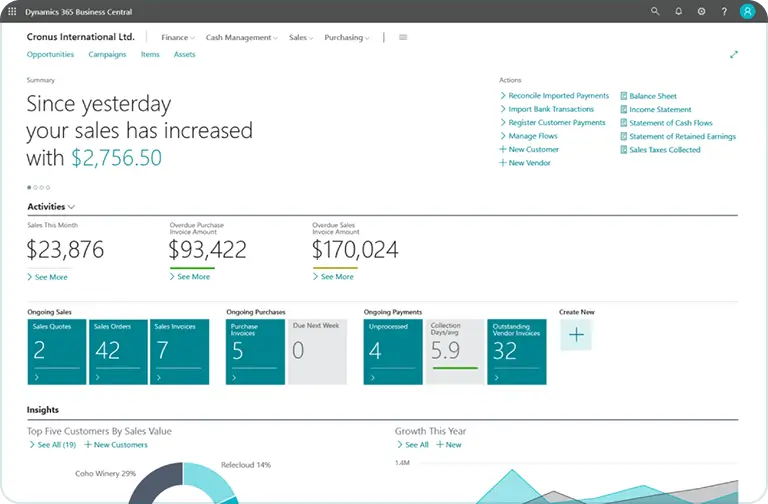
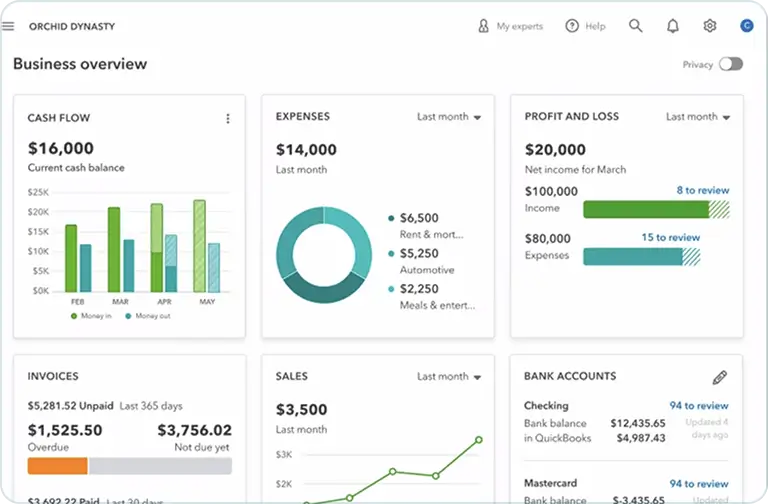
FIELDBOSS Scheduling isn’t a bolt-on or a separate app: it’s built directly into the same Dynamics 365 environment as your work orders, customer records, and your accounting. Schedule changes sync in real time, so a reassigned job shows up on the technician’s mobile app, and completed work flows back into the office record without a separate import step.
FIELDBOSS tracks maintenance as its own work type on the Schedule Board, and bulk-processing tools let the office schedule — or invoice — every maintenance visit due within a selected date range in one action, instead of handling each one manually.
FIELDBOSS’s Route Mapper shows dispatchers exactly where every technician’s assigned jobs are located, grouped by primary technician, so routes and territory coverage are easy to assess visually from inside the Schedule Board.
Yes. The Schedule Board isn’t limited to a single service type — maintenance visits, service calls, and after-hours work for any trade all show up on the same board, and Business Unit resource filtering keeps dispatchers assigning technicians they’re actually permitted to schedule across multiple branches or divisions.
Ready to Simplify Your Scheduling?
See how FIELDBOSS scheduling works for your team — a focused, 30-minute walkthrough, no generic slideshow.

What is a Schedule Board?
The Schedule Board is FIELDBOSS’s central scheduling interface, where dispatchers view and manage every technician’s assigned work. It shows technician availability, job status, and location in one place, and lets dispatchers drag and drop jobs to reassign work as priorities change.
What is a Service Activity?
A Service Activity is the individual scheduled task tied to a Work Order — the specific visit a technician performs. It tracks status through the scheduling process, from assignment through completion, and connects the technician’s field work back to the office record.
What Is Field Service Scheduling Software?
Field service scheduling software helps contractors and service companies assign technicians to jobs, track availability, and manage the day’s dispatch from a single, centralized board. It replaces manual methods — whiteboards, spreadsheets, and phone-based dispatch — with a shared system that shows who’s available, what’s assigned, and what’s still open.
Most field service scheduling tools connect to work order management, CRM, and accounting so a job can move from request to invoice without re-entering data at every step. Platforms like FIELDBOSS take this further by building scheduling natively into the ERP itself — Microsoft Dynamics 365 — so schedule, job, and financial data all live in one system instead of syncing between disconnected tools.