
Move Your QuickBooks Field Service Operation to FIELDBOSS on Business Central
FIELDBOSS is a field service management platform built natively on Microsoft Dynamics 365 Business Central for elevator, HVAC, and specialty contractors that runs field operations and accounting as one system. For contractors who have outgrown a QuickBooks field service setup, that means every work order, timecard, and invoice posts straight to your financials, with no export files in between.
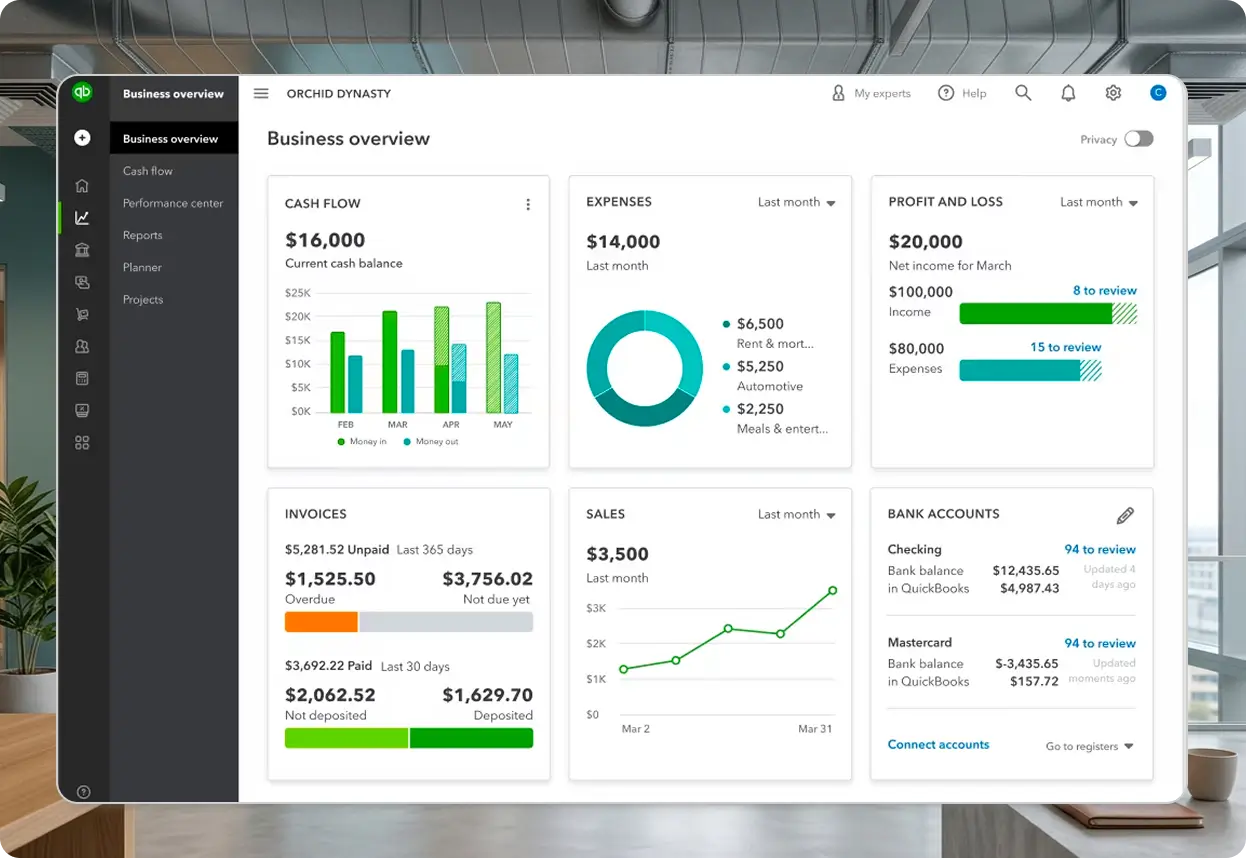
































When Do Field Service Contractors Outgrow QuickBooks?
Contractors outgrow QuickBooks the moment growth depends on numbers it can’t produce on its own, from live job margins to multi-branch reporting. Moving to FIELDBOSS on Business Central gives you an accounting platform that grows with the business instead of capping it.
Stop Rebuilding Job Costs by Hand
In a QuickBooks field service setup, work orders, time, and materials travel to accounting through syncs, file imports, and manual matching. On Business Central, field activity in FIELDBOSS posts directly to job costing and the general ledger, so you see each job’s margin while the work is still underway.
Grow by Branch or Acquisition Without Re-Platforming
Business Central handles multiple entities and branches natively, so adding a location or absorbing an acquired company happens inside the platform you already run. You make the accounting move once, ahead of growth, rather than again in the middle of it.
Give Investors and Lenders Numbers They Trust
Boards, lenders, and private equity buyers expect accurate, comparable financials on demand. With field service and accounting in one Business Central environment, reporting reflects real-time job activity instead of month-end reconstruction, which makes due diligence faster and cleaner.
Trade Small-Business Security for Microsoft's Enterprise Cloud
Business Central runs on Microsoft’s enterprise cloud, with Microsoft Entra ID sign-in, role-based permissions, and encryption at rest and in transit. Your financials get the same identity and access controls as the rest of your Microsoft environment, built in from day one rather than retrofitted later.
How Easy Is It to Migrate From QuickBooks to D365 Business Central?
With FIELDBOSS leading it, moving from QuickBooks to Business Central is a planned, five-stage project, with your field service workflows and financials going live together. You leave the exports and manual matching behind on day one and keep your QuickBooks history available for reference.

Assess How You Use QuickBooks Today
FIELDBOSS reviews your accounts, classes, items, and how jobs are tracked in QuickBooks, then walks you through what Business Central handles differently. Together, you pick a cutover date that lines up with your financial calendar.

Get Your Numbers Clean
Your finance team reconciles bank accounts, settles open receivables and payables, and writes off small balances that will never clear, with FIELDBOSS guiding each step. Clean QuickBooks data becomes accurate opening balances in Business Central.

Build Your Business Central Foundation
FIELDBOSS sets up your chart of accounts around Business Central dimensions and configures sales tax, financial reports, check formats, and electronic payments. Your field service workflows are configured alongside, so dispatch, job costing, and invoicing reflect how your trade actually works.

Run Real Jobs Before You Switch
Your team takes real jobs from work order to invoice to payment and checks the results in Business Central before cutover. Technicians, dispatchers, and finance staff are trained on the new workflows while QuickBooks is still in place.

Go Live With Field Service and Financials Together
Opening balances, open receivables and payables, and outstanding bank items move into Business Central, and from that point every job posts directly to your financials. QuickBooks stays available for past transaction lookups and tax records.
What Do Field Service Contractors Gain by Migrating From QuickBooks?
Business Central takes over your accounting with FIELDBOSS built in, and Power BI on Microsoft Fabric turns field and financial data into reporting you can act on. Every number, from the job site to the controller’s month-end report, comes from the same place.
D365 Business Central
Discover why FIELDBOSS runs natively inside Business Central, with one login, one security model, and no sync to manage.
Power BI & Fabric
Build contractor dashboards that combine job performance and financial results without exporting a single spreadsheet.
Frequently Asked Question
Business Central starts with your opening general ledger balances, outstanding receivables and payables, and any bank items not yet reconciled. Your chart of accounts, sales tax, financial reports, check formats, and electronic payments are set up fresh for Business Central, and your QuickBooks history stays available for lookups and tax retention.
A FIELDBOSS team with deep experience in contractor field service and accounting leads the move, starting with a review of how you use QuickBooks today. You see what changes before anything is built, and with FIELDBOSS native to Business Central, there’s no separate integration to set up or maintain after go-live.
No. FIELDBOSS integrates with QuickBooks, so you can run scheduling, dispatch, timecards, and invoicing in FIELDBOSS while keeping QuickBooks for accounting. When the business is ready, you move accounting to Business Central with your field service processes already in place.
FIELDBOSS handles payroll through third-party partners rather than a built-in payroll engine. Depending on the provider, timecard data flows into a partner integrated with Business Central or goes out as an export file to services like ADP, Ceridian, or Paychex.
Leave the Export Files Behind
Book a 30-minute demo and watch a job move from work order to invoice to Business Central financials in FIELDBOSS.

What Is Microsoft Dynamics 365 Business Central?
Dynamics 365 Business Central is Microsoft’s cloud ERP for small and mid-sized businesses, and the platform FIELDBOSS is built natively on. It covers the general ledger, receivables, payables, and financial reporting that QuickBooks handles, plus inventory, purchasing, and multi-entity management for businesses that are scaling.
What Is a QuickBooks Field Service Setup?
A QuickBooks field service setup pairs QuickBooks accounting with a separate scheduling and dispatch application, either Intuit’s own field service add-on or a third-party tool, that passes work orders, time, and invoices to QuickBooks through a sync or file import. Field operations and accounting stay in two systems, so every handoff adds reconciliation work as job volume grows.