


Contractor Payroll Software That Turns Hours Into Job Costs
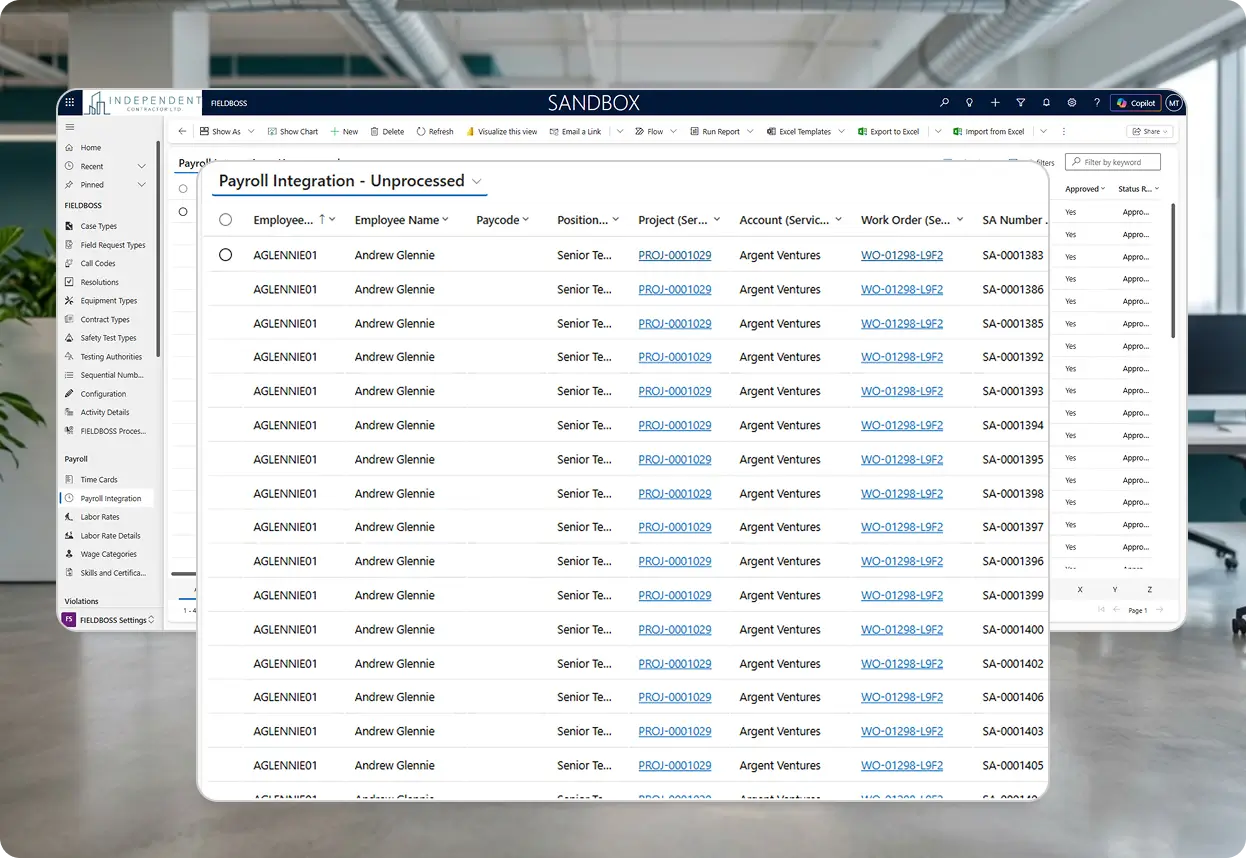
FIELDBOSS connects approved technician time cards to your payroll partner, so hours worked in the field flow into payroll and job costing without a separate import or double entry.


































How FIELDBOSS Handles Field Service Payroll and Time Card Management
FIELDBOSS handles field service payroll from the technician’s time card through to your payroll partner, with approval controls in between so what reaches payroll is accurate the first time.
Time Cards Flow Straight into Payroll
FIELDBOSS generates a time card automatically the moment a technician is booked to a Service Activity.
Once the work is finished, that time card is ready for review, and once approved, hours flow into a Payroll Integration record for your payroll partner, without anyone re-entering time by hand.
- Time cards generated automatically from Service Activities
- Approved hours routed automatically to your payroll partner
- No manual re-entry of technician hours
Control Who Can Approve Payroll
Dedicated security roles determine who’s actually authorized to approve time cards and payroll, keeping that control out of the wrong hands.
FIELDBOSS also supports two-step approval, catching errors at the time card stage and again before hours ever reach your payroll partner.
- Role-based control over who approves time cards and payroll
- Optional two-step approval workflow
- Fewer corrections needed after the fact
Job Costing Updates with Every Approved Hour
Approved time cards create job costing updates automatically, not just payroll entries, updating labor cost, overhead, and profit on the related project in near real time.
That keeps payroll and job profitability aligned instead of living in two separate systems that can drift apart, so a project’s numbers are never a surprise weeks later.
- Approved time cards posting directly to job costing
- Labor cost, overhead, and profit updated in near real time
- Payroll and job profitability tracked from the same data
Overtime and After-Hours Rates, Handled Automatically
Labor rate details and time multipliers, like overtime and double-time, are built into the time card, so hours are correctly formatted before they ever reach payroll integration.
After-hours multiplier rates can be set separately for each branch or division you operate, so technicians are paid correctly for after-hours or emergency work without a manual rate adjustment every time.
- Overtime and double-time multipliers built into time cards
- After-hours multipliers set per branch or division
- Fewer manual rate adjustments for emergency or after-hours work
Flexible Wage Categories for Every Pay Type
FIELDBOSS tags time cards with flexible pay codes and wage categories for both hourly and salaried employees, so your payroll partner processes batches correctly regardless of how a given role is paid.
FIELDBOSS gives office staff visibility into payroll activity as it moves toward your payroll partner, without waiting on a separate status update to see where things stand.
- Flexible pay codes and labor categories for hourly and salaried staff
- Batch-ready pay data organized by employee type
- Payroll status visible before it reaches your provider
Payroll Built for Your Trade
Overtime, after-hours calls, and multi-branch labor categories look different by trade. FIELDBOSS keeps payroll accurate no matter which one applies.
Emergency callback work is a fact of life in elevator service, and after-hours multipliers apply automatically so technicians are paid correctly without a manual adjustment for every late-night call.
Overtime volume swings hard with the seasons. FIELDBOSS keeps time cards and multipliers accurate whether it’s a slow week or the peak of summer.
Multiple labor categories across different trade lines still flow into one payroll run, so multi-trade contractors aren’t reconciling separate payroll processes by division.

We’ve kept our admin team lean while expanding our service footprint. With FIELDBOSS, one person can do the work of three.
Explore Related Features


Works With Your Existing Tools
Frequently Asked Question
No. Time cards are generated automatically when a technician is booked to a Service Activity. Once the work is finished, that time card is ready for review, and approved hours flow into a Payroll Integration record for your payroll partner.
FIELDBOSS uses dedicated security roles so only authorized staff can approve payroll. Two-step approval is available too, catching errors at the time card stage and again before hours reach your payroll partner.
Both. Approved time cards feed payroll and automatically create cost transactions that update job costing on the related project in near real time, so payroll data and job profitability stay aligned instead of living in separate systems.
Yes. Time cards support labor rate details and time multipliers like overtime and double-time, and after-hours multiplier rates can be set separately for each branch or division you operate, so technicians are paid correctly for after-hours or emergency work without a manual rate adjustment.
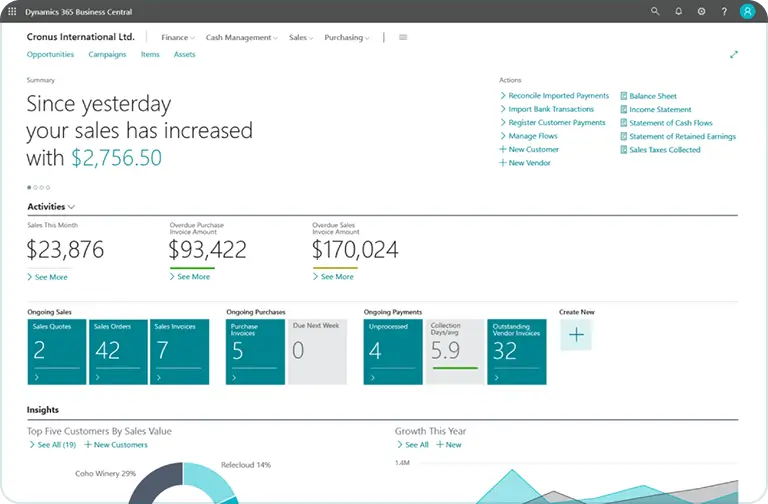
Either. Payroll always runs through a third-party partner — some, like a U.S./Canadian payroll solution, integrate directly into Business Central for near real-time processing, while others, including ADP, Ceridian, and Paychex, connect through an export file. FIELDBOSS generates and approves the time card either way, so your choice of provider doesn’t change how hours get tracked in the field.
Stop Re-Entering Hours Twice
No double entry, no chasing approvals by email — see how it works for your team in a focused 30-minute session.

What Is a Payroll Integration Record?
A Payroll Integration record is what an approved time card becomes on its way to your payroll partner. It’s the checkpoint between field-reported hours and actual payroll, which is also where a second, escalated approval can be required before hours move any further.
What Is Contractor Payroll Software?
Contractor payroll software connects the hours technicians work in the field to the payroll process that pays them, typically by pulling approved time from scheduling or dispatch directly into payroll rather than requiring a separate manual import. For field service and construction contractors, that connection matters because labor costs also drive job costing — the same hours that determine a paycheck usually determine whether a job was profitable.