


Plan Your Dynamics GP Migration to FIELDBOSS on Business Central
FIELDBOSS is a field service management platform built natively on Microsoft Dynamics 365 Business Central for elevator, HVAC, and specialty contractors that ties every service call to your financials in one system. For contractors facing GP end of life, a Dynamics GP migration to FIELDBOSS puts field service and accounting on one Microsoft cloud platform built for the trades.


























Why GP End of Life Is a Reason to Move Now, Not in 2029
Moving off Dynamics GP early puts your team in control of the timing, replaces field service and financials in one project, and lands both on Microsoft’s cloud before support deadlines force the decision.
Get Ahead of GP End of Life
Microsoft no longer sells Dynamics GP to new customers, and enhancements, tax updates, and technical support end December 31, 2029. Microsoft points GP customers to Business Central as the way forward, and moving on your own schedule beats a deadline-driven cutover later.
Migrate Once, Not Twice
Dynamics GP rarely runs just your financials. Inventory, purchasing, job costing, and project accounting usually live there too, often next to a field service add-on that loses its foundation when GP retires. Moving to FIELDBOSS on Business Central replaces field service and financials in one project with one cutover.
Trade the Server Closet for Microsoft's Cloud
FIELDBOSS and Business Central run on Microsoft’s enterprise cloud, with security and updates backed by Microsoft’s own platform investment instead of a server your team patches and backs up. Microsoft names stronger security and AI capabilities as core reasons to move GP customers to Business Central.
Migrate With People Who Know the Work
FIELDBOSS migrations are led by a team that knows elevator, HVAC, and specialty field service and the finance behind it. Trade workflows are already built in, and with hundreds of configurable touch points in Business Central, most requirements are met through low-code or no-code configuration instead of custom development.
What a Dynamics GP Migration Looks Like, Step by Step
FIELDBOSS guides your Dynamics GP migration from the first review through go-live, bringing field service and financials live together on Business Central. You start on clean data, with your GP history still on hand whenever you need it.

Plan the Move With FIELDBOSS
FIELDBOSS reviews how you run GP today, from your chart of accounts to purchasing, and shows where Business Central works differently before anything is built. Together, you set a cutover date that fits your financial calendar.
Clean Up Your Data Before Cutover
FIELDBOSS works alongside your finance team to reconcile bank accounts and settle open receivables and payables in GP. The cleaner your data going in, the more you can trust your numbers in Business Central from day one.
Set Up Field Service and Financials Together
FIELDBOSS configures your field service workflows and Business Central side by side, so dispatch, job costing, and invoicing are built around elevator, HVAC, or specialty work before go-live. Your chart of accounts, tax setup, financial reports, and electronic payments are rebuilt for how your business runs today.
Test Real Jobs and Train Your Team
Before cutover, your team runs real jobs through FIELDBOSS from work order to invoice to payment and confirms the results in Business Central. Technicians, dispatchers, and finance staff learn the new workflows while GP is still running.
Go Live on Business Central
Your opening balances and open receivables and payables move into Business Central, and from that day forward every job posts straight to your financials. GP stays available for historical lookups and tax records.
What Replaces Dynamics GP's Financials and Reporting?
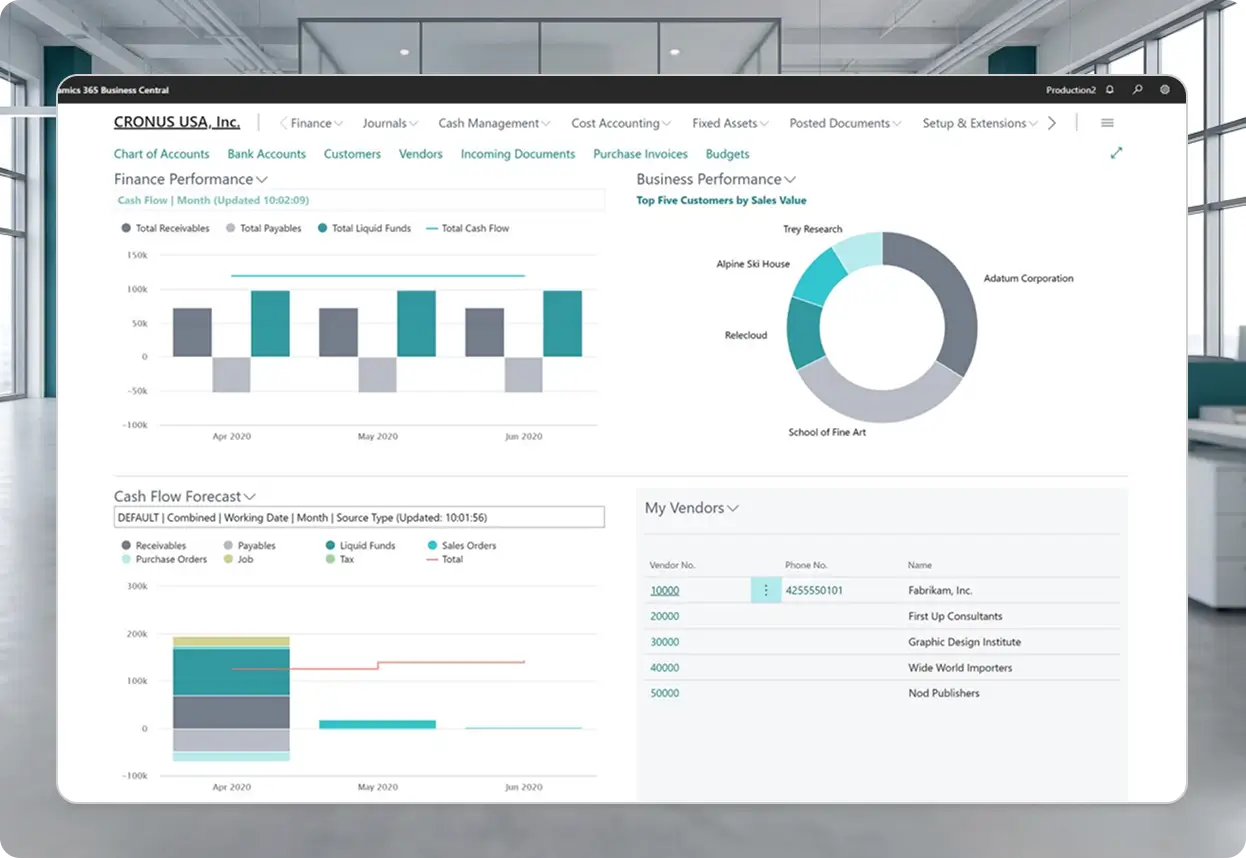
Business Central takes over your financials, and Power BI on Microsoft Fabric reports across field service and financial data together. With FIELDBOSS built inside Business Central, every job’s margin is visible without exporting to spreadsheets.
D365 Business Central
See how FIELDBOSS and Business Central tie every work order to job costing, billing, and the general ledger.
Power BI & Fabric
Track margins, technician productivity, and cash flow in Power BI dashboards built on Microsoft Fabric.
Frequently Asked Question
Opening general ledger balances, open receivables and payables, and unreconciled bank items move into Business Central at go-live. Detailed transaction history stays in GP, so plan to keep GP accessible for customer and vendor lookups and for as long as your region’s tax retention rules require.
Your migration is led by a team that knows both contractor field service and the finance behind it. FIELDBOSS reviews your GP setup first and maps what works differently in Business Central, so your team knows what changes well before cutover. FIELDBOSS is built natively inside Business Central, which leaves no separate integration to build, sync, or maintain after go-live.
Your chart of accounts, sales tax, financial reports, check formats, and Positive Pay and EFT payment files are all built for Business Central rather than carried over. Write-in products and blanket purchase orders aren’t part of Business Central, so purchasing processes that rely on them change during the move.
Payroll runs through a third-party payroll partner. Some partners integrate directly with Business Central, and others receive an export file for providers like ADP, Ceridian, or Paychex.
Your customers carry into Business Central with new customer numbers, and FIELDBOSS keeps the original GP numbers for reference. Existing GP invoices and credits lose their link to FIELDBOSS, so older invoices are updated in FIELDBOSS manually as they’re paid. Your products become Business Central items once setup is complete, and vendor imports are reviewed case by case.
Start Your Move Off Dynamics GP
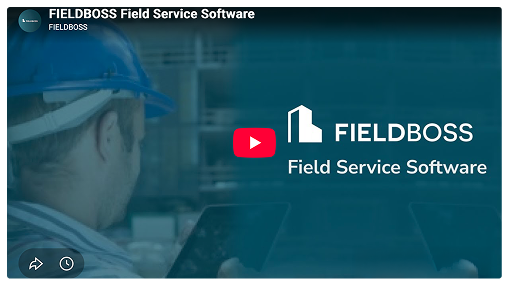
Book a 30-minute demo to see FIELDBOSS on Business Central and ask how a GP migration would work for your team.

What Is Dynamics GP?
Dynamics GP is a full ERP, not just accounting software. Beyond the general ledger, contractors commonly run inventory, purchasing, project accounting, job costing, and sometimes payroll and HR in GP. Every one of those functions needs a new home when GP retires, which is why a GP migration reaches well past the finance team.
What Is Dynamics GP End of Life?
Dynamics GP end of life is Microsoft’s planned retirement of its on-premise Dynamics GP ERP. New perpetual licenses closed to new customers in April 2025 and new subscription licenses in April 2026. Enhancements, tax and regulatory updates, and technical support end December 31, 2029, and security updates end April 30, 2031.
What Is a Dimension-Based Chart of Accounts?
A dimension-based chart of accounts tracks details like department, location, or project as tags on each transaction instead of building them into the account number. GP typically uses segmented account numbers, so a move to Business Central means redesigning the chart of accounts rather than copying it, with fewer accounts and more flexible reporting as the payoff.